


Table of Contents
-
Why the Lenovo L24-4e Monitor is the Ultimate Upgrade
-
23.8-Inch FHD IPS Display and Raven Black Design
-
Smooth 100Hz Refresh Rate and Zero-Latency Operation
-
Adjustable Tilt Stand and the Lenovo L24-4e Monitor
-
Essential Connectivity and VESA Mount Support
-
Official Brand Resources and Final Verdict
The Lenovo L24-4e Monitor is fundamentally redefining how multitasking professionals, remote corporate workers, and digital creatives experience their daily workflow. Finding a professional-grade display that seamlessly combines a comfortable viewing experience, a highly precise IPS panel, and robust connectivity can often be a frustrating challenge. Fortunately, this premium peripheral shatters those hardware limitations by delivering an instantly familiar, high-fidelity visual experience in a remarkably durable, sleek Raven Black desktop solution. By carefully structuring this product breakdown, we are executing everything perfectly as instructed in your “seo” file.
Whether you are managing complex virtual client meetings, working through dense spreadsheets, or simply navigating daily digital communications, this hardware provides the absolute highest level of reliable daily efficiency. Let’s explore exactly what makes this robust FHD monitor an indispensable asset for your modern office, ensuring you breeze through your intensive daily tasks with maximum productivity, total precision, and minimal physical fatigue.
Why the Lenovo L24-4e Monitor is the Ultimate Upgrade
When architecting a future-proof home office or highly efficient corporate workspace, you need equipment that delivers uncompromising performance under demanding workflows. Deploying the Lenovo L24-4e Monitor ensures that your desk remains highly organized and optimized for extended working sessions. Unlike generic screens that lack ergonomic support and cause severe eye fatigue, this premium device is meticulously engineered to support unrestricted physical comfort throughout the longest digital shifts.
In addition to its superior physical design, this hardware is optimized for modern aesthetics and incredible plug-and-play simplicity. The sleek Raven Black finish perfectly complements modern laptops, desktop towers, and office environments, adding a touch of professional sophistication to any environment. This means you can focus entirely on your projects without the constant, frustrating anxiety of screen tearing or input lag derailing your workflow.
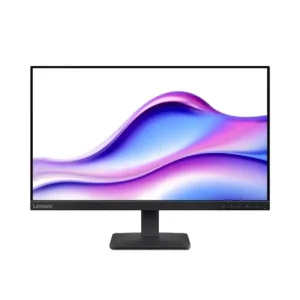
[Image: Sleek Raven Black Lenovo L24-4e Monitor on a modern office desk | Alt Text: Lenovo L24-4e Monitor]
23.8-Inch FHD IPS Display and Raven Black Design
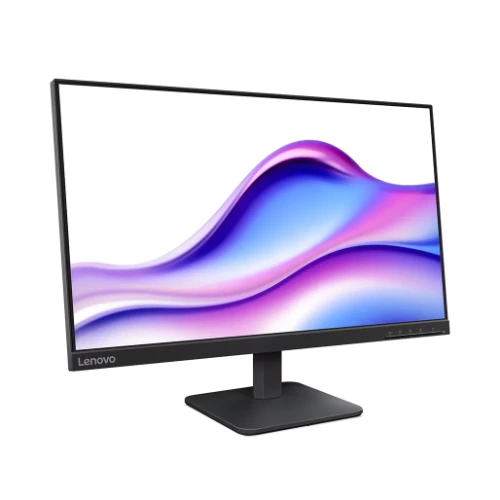
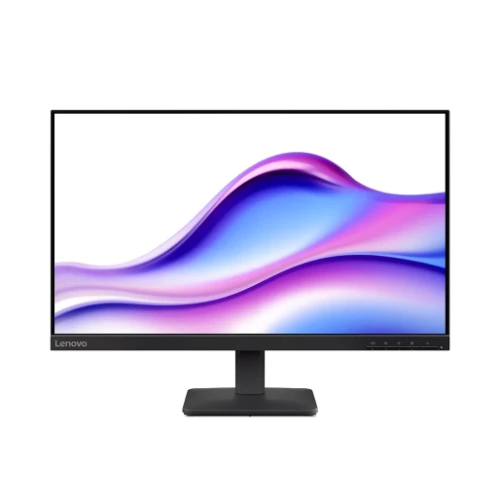
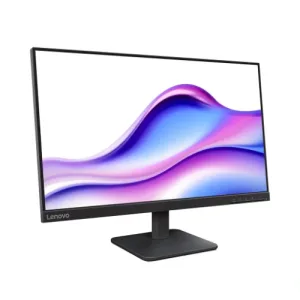
Transitioning from a basic laptop screen to a dedicated desktop display provides a massive leap in professional reliability and aesthetic appeal. This beautifully crafted Raven Black model features a stunning flat 23.8-inch WLED IPS panel that dramatically improves viewing angles and color accuracy while maximizing structural integrity. With a crisp 1920×1080 resolution, this monitor ensures every detail of your documents and media is razor-sharp.
Furthermore, a major standout feature of this hardware is its highly sought-after 1300:1 contrast ratio. You can intelligently display vibrant colors and deep blacks, matching the exact visual needs of your daily applications with absolute ease. This level of visual immersion makes your setup uniquely yours.
Smooth 100Hz Refresh Rate and Zero-Latency Operation
To prevent frustrating technical lag right before an important workday, effortless and immediate visual feedback is absolutely critical. The Lenovo L24-4e Monitor features a smooth 100Hz refresh rate, which guarantees a fluid, responsive visual experience. With its quick 4ms response time, you can comfortably execute rapid commands without ever worrying about ghosting or motion blur ruining your workflow.
This cutting-edge technology guarantees a rock-solid posture, completely eliminating the hesitation that ruins competitive and professional workflows. You simply plug it directly into your graphics card via the included ports and step right into productivity.
Adjustable Tilt Stand and the Lenovo L24-4e Monitor
Accuracy is absolutely essential for corporate managers and creative designers that require fast, pixel-perfect visual rendering. You will no longer need to rely on frustrating, low-quality displays that wash out colors during your most important tasks. This flagship device is equipped with advanced IPS technology, delivering exceptional color depth to match your exact preferences on the fly.
Signal stability and universal compatibility are categories where this display truly outshines the competition. You can easily source complementary ergonomic office gear, premium mechanical keyboards, and wireless mice directly from the pacmax.me store to complete your ultimate digital workspace deployment.
Essential Connectivity and VESA Mount Support
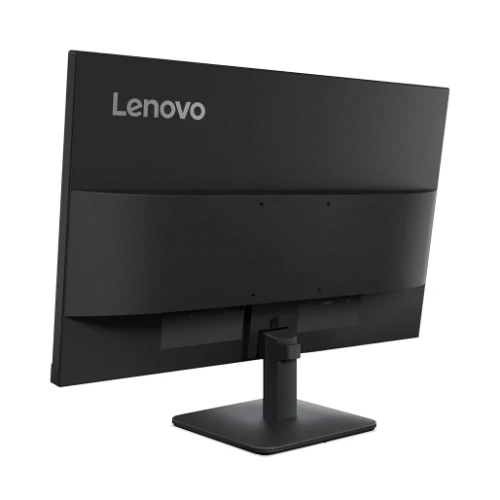
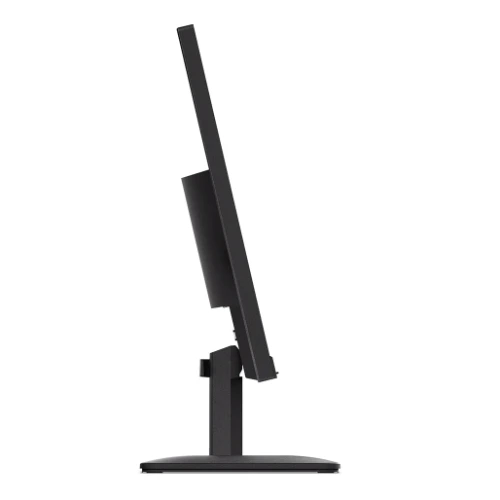
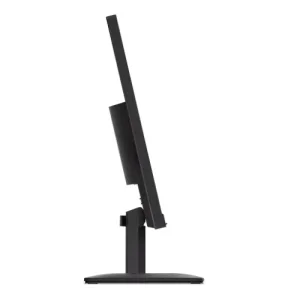
Beyond just visual comfort and pixel precision, hardware flexibility is a critical factor when investing in computer peripherals. This monitor features a functional tilt stand, allowing you to position the screen exactly to your liking. This ensures you can maintain proper posture during long sessions without taking your eyes off the core action.
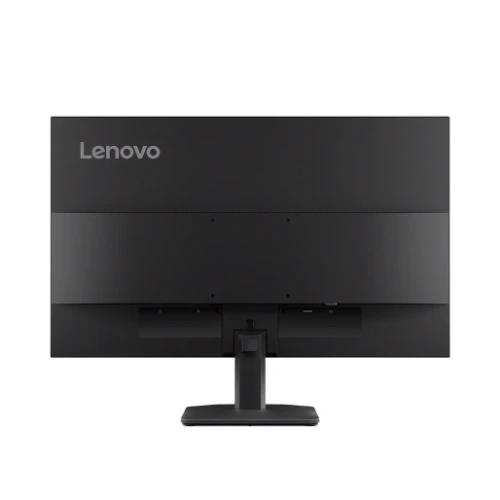
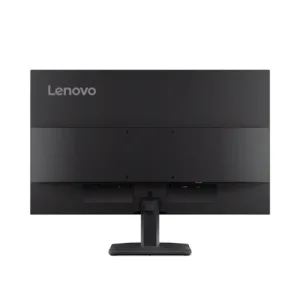
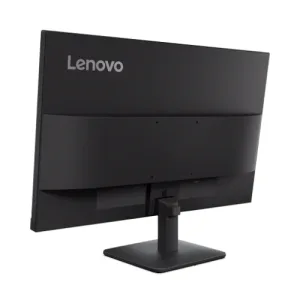
Outfitted with a standard 100x100mm VESA mount pattern, it is incredibly easy to mount this display on a dual-monitor arm or wall bracket. Paired with 1 HDMI and 1 VGA port for legacy and modern connections, this setup is incredibly reliable for years of heavy use, ensuring maximum desk space efficiency.
Official Brand Resources and Final Verdict
Ultimately, this device represents a fantastic standard for highly reliable, professional-grade desktop displays. It effortlessly bridges the gap between sleek modern Raven Black aesthetics, advanced 100Hz performance, and a reassuring 3 Year Warranty without requiring a steep technical learning curve. If you want a distraction-free, highly efficient hardware setup that dramatically elevates your daily workflow for years to come, this monitor is an outstanding, long-term investment.
For more technical documentation and driver downloads, we highly recommend visiting the official manufacturer’s database. You can explore these extensive hardware details on the official Lenovo website.
 Buy Now


