
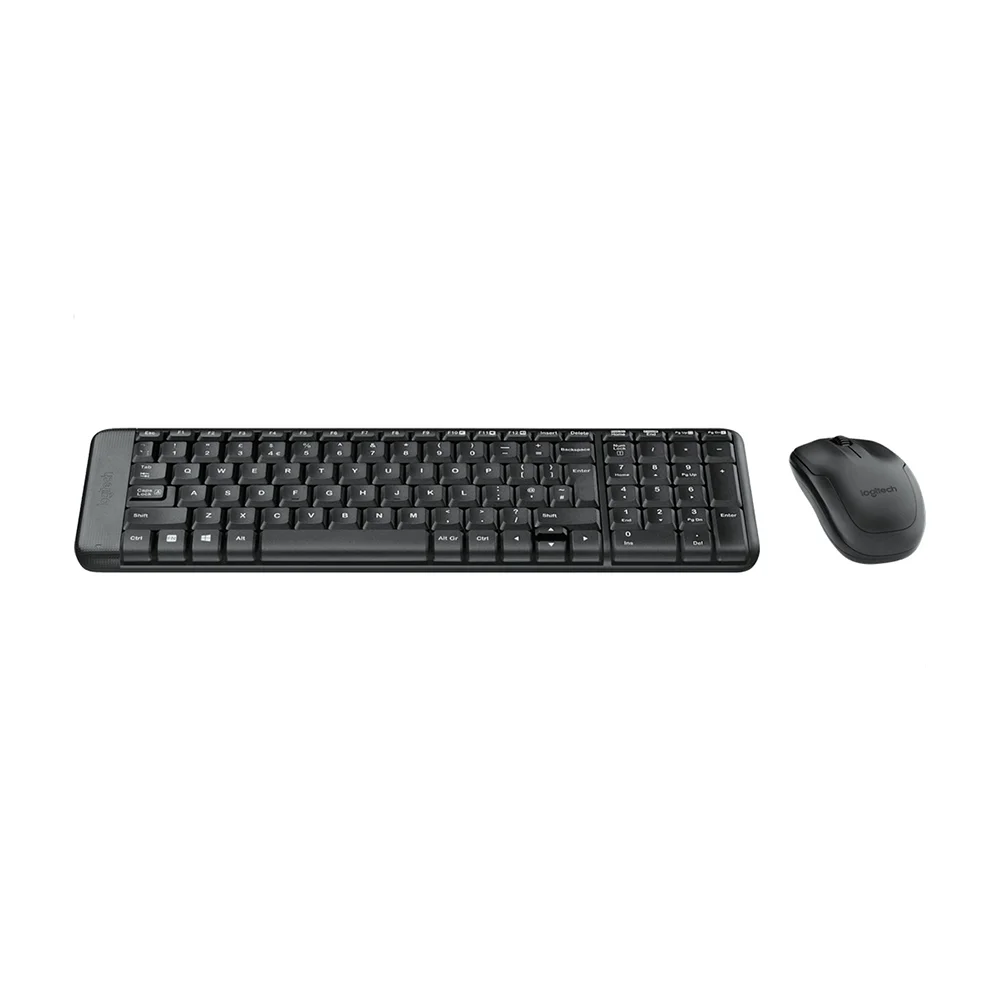
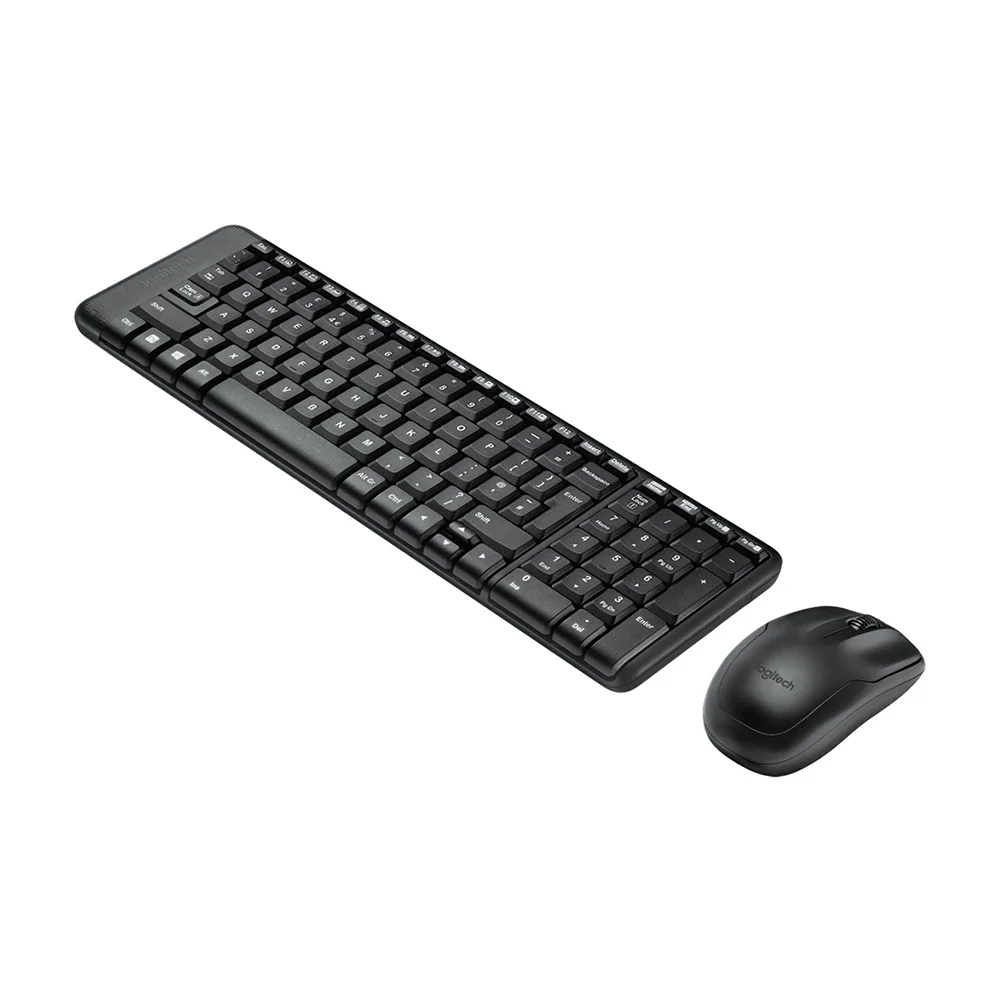




The Logitech Wireless Combo MK220 is your go-to choice if you’re looking for a reliable and compact keyboard and mouse setup that doesn’t break the bank. Whether you’re upgrading your current setup or transitioning to wireless convenience for the first time, the MK220 delivers on performance, comfort, and affordability.
Design and Comfort
The MK220 is designed with practicality in mind. Its compact size makes it perfect for any workspace, whether it’s a crowded office desk or a cozy home office. The keyboard features full-size keys with a familiar layout, ensuring comfortable typing sessions without feeling cramped. Each key is designed to be whisper-quiet, which means you can type away without disturbing those around you.
Wireless Freedom
One of the highlights of the MK220 is its wireless capability. It operates on a reliable 2.4GHz wireless connection, ensuring a stable connection with minimal dropouts or interference. The setup is hassle-free: simply plug the tiny USB receiver into your computer’s USB port, and you’re ready to go. The receiver is so compact that you can leave it plugged in without worrying about it getting in the way.
Keyboard Features
Beyond its basic functionality, the MK220 keyboard includes convenient multimedia hotkeys. These allow you to effortlessly control media playback, adjust volume, and access other frequently used functions with the touch of a button. It’s these little touches that enhance your productivity and streamline your workflow.
Smooth Mouse Control
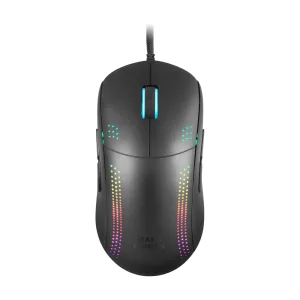
Accompanying the keyboard is a compact mouse that fits comfortably in either hand. It provides smooth tracking and responsive cursor control, making it ideal for everyday tasks such as browsing the web, editing documents, or navigating spreadsheets. The mouse operates on a single AA battery, ensuring long-lasting performance before needing a replacement.
Long Battery Life
Both the keyboard and mouse are designed for efficiency when it comes to battery usage. The keyboard typically runs on two AAA batteries, while the mouse operates on a single AA battery. This setup not only extends battery life but also reduces the hassle of frequent battery changes, keeping you focused on your work or activities without interruption.
Compatibility and Setup
Setting up the MK220 is a breeze. It’s compatible with a wide range of operating systems, including Windows XP, Vista, 7, 8, and 10, as well as Linux kernel 2.6+. There’s no need for additional software installation; simply plug in the receiver, and the devices automatically connect, getting you up and running in no time.
Value for Money
What sets the MK220 apart is its exceptional value for money. It offers all the essential features you’d expect from a quality keyboard and mouse combo at a fraction of the cost. Whether you’re a student, a professional, or a casual user, the MK220 provides the reliability and performance you need without straining your budget.
Conclusion
In conclusion, the Logitech Wireless Combo MK220 is more than just a basic keyboard and mouse combo. It’s a testament to Logitech’s commitment to delivering quality, performance, and convenience at an affordable price point. Whether you’re looking to streamline your workspace, upgrade your peripherals, or simply enjoy the freedom of wireless connectivity, the MK220 is a smart choice that ticks all the boxes. With its compact design, reliable wireless connection, long battery life, and user-friendly features, the MK220 is designed to enhance your computing experience without compromise.


Reviews
There are no reviews yet.